

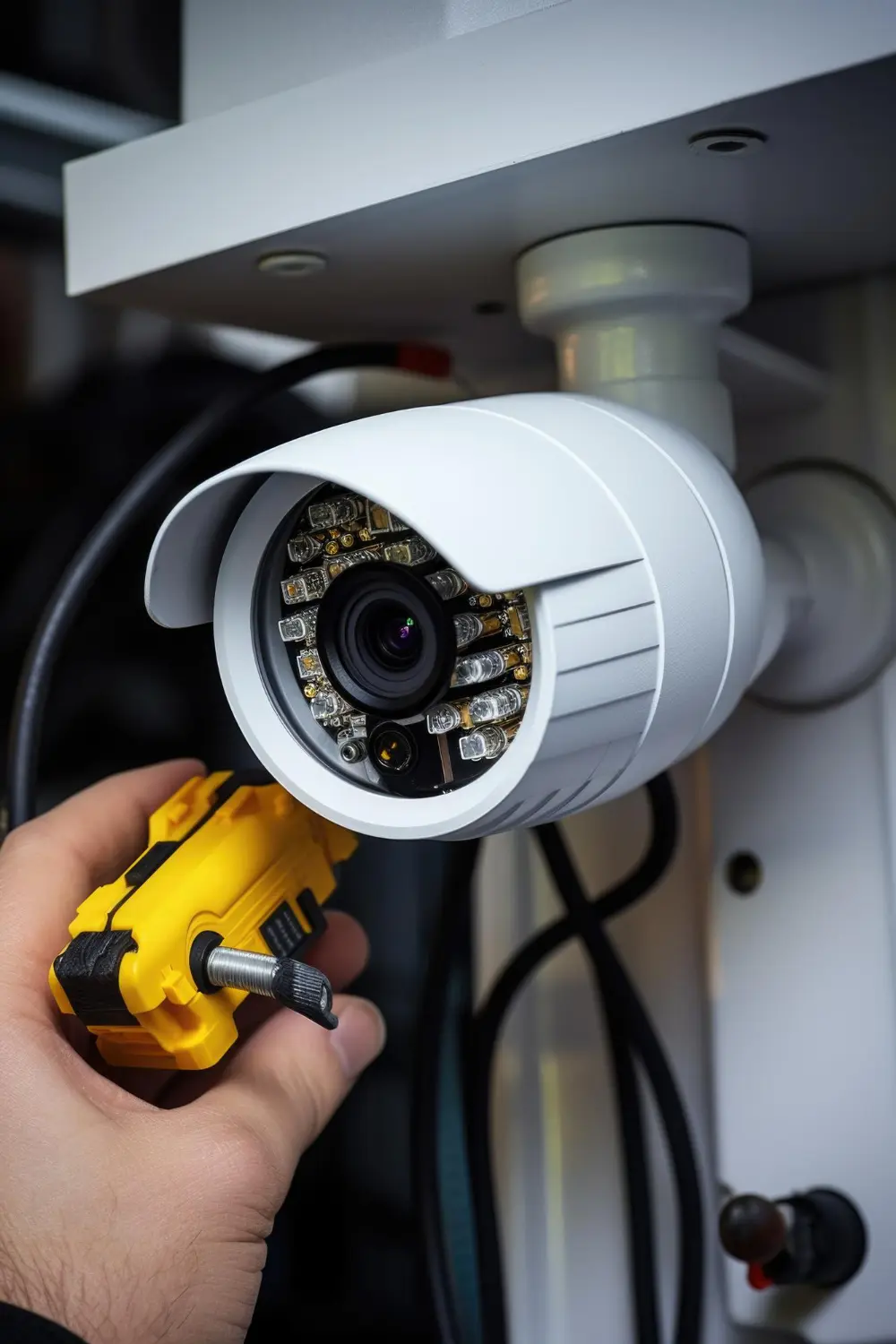
Unlike traditional analogue CCTV systems, IP cameras communicate through a network connection.
A typical IP CCTV installation includes:
The CAT6 cable connects the IP camera to a network switch or another compatible networking device.
When PoE is supported, the same Ethernet cable can carry both network data and electrical power to the camera. This can reduce the need for separate power connections at every camera location.
For installations using multiple IP cameras, CAT6 cabling provides a structured way to connect surveillance devices across different areas of a property.
Elixir Network offers a CAT6 networking cable range covering indoor, outdoor, flat/lift, armoured and patch cord configurations for different networking requirements.
One of the most important decisions in CCTV cabling is selecting the cable according to the camera's installation environment.
Not every camera is installed inside a protected building. Some are positioned along exterior walls, factory boundaries, parking areas, warehouses and other exposed locations.
Indoor CAT6 UTP cable can be suitable for protected cable routes within commercial buildings, offices, warehouses and other internal spaces.
Typical applications include:
Elixir's CAT6 Indoor UTP Network Cable features 24 AWG solid copper conductors, four twisted pairs and eight conductors.
Its published specifications include applications such as Gigabit Ethernet and IEEE 802.3af and 802.3at PoE.
For permanent CCTV installations, verify the cable specifications and compatibility with the camera and network switch.
Outdoor surveillance cameras may be installed in areas exposed to sunlight, rain, moisture and changing temperatures.
Using an indoor cable on an exposed outdoor route without confirming its suitability can create problems as the installation ages.
For outdoor CCTV connections, consider a cable specifically designed for the expected environmental conditions.
Elixir's CAT6 Outdoor Double Layer UTP Network Cable features a double-layer construction and UV-stabilised outer jacket. It is designed for outdoor and indoor/outdoor networking applications.
It is specified with 24 AWG solid copper conductors, four pairs and 305-metre drum packaging.
This makes it an option to evaluate for suitable outdoor networking and surveillance installations.
Some CCTV installations require additional protection because of the cable route.
For example, cables may pass through areas where accidental impact, mechanical stress or other physical damage is a concern.
In these situations, armoured CAT6 cable may be worth considering alongside suitable conduit and protective installation methods.
Elixir includes CAT6 Armoured Cable in its networking cable range.
The appropriate choice depends on the installation conditions and the level of physical protection required.
Power over Ethernet is an important consideration when planning an IP CCTV network.
A compatible PoE camera can receive both data and electrical power through a single Ethernet connection.
This can simplify installation by reducing the need for separate power cabling at each camera location.
However, PoE compatibility should be verified across the complete setup.
Before selecting a CAT6 cable, check:
Elixir's published specifications for its indoor and outdoor CAT6 cables list IEEE 802.3af and IEEE 802.3at PoE applications.
For cameras requiring higher power levels, verify the relevant specifications rather than assuming every CAT6 cable and PoE switch will support every camera.
Cable distance is another important factor in CCTV network planning.
The location of each camera should be considered alongside the location of the network switch or equipment rack.
For conventional copper Ethernet structured cabling, a standard channel is generally designed around a maximum distance of 100 metres, including the permanent cabling and connecting patch cords. The permanent link is typically limited to 90 metres.
For longer distances, the network design may need intermediate switching equipment or fibre optic connectivity.
Before installation, consider:
For large factories, warehouses and industrial campuses, distributing network equipment across suitable locations may be more practical than routing every camera directly to one central point.
A small residential CCTV installation and a large industrial surveillance system have very different networking requirements.
A facility with a few cameras may need only a compact network switch and a small recording setup.
A larger installation may involve dozens of cameras distributed across offices, production areas, warehouses, entry gates and external boundaries.
When planning the network, estimate:
The camera count alone does not determine the required network capacity. Resolution, compression, frame rate and recording configuration also influence bandwidth requirements.
Planning these factors before purchasing cables and switches helps avoid an undersized network infrastructure.
The CAT6 cable is only one component of a complete IP surveillance installation.
The network equipment also needs a suitable location where switches, recording devices and supporting components can be installed and maintained.
Depending on the project, the setup may include:
For compact surveillance installations, a wall-mounted rack may provide sufficient space for the required equipment.
Elixir's Wall Mount Network Racks are available in 4U, 6U, 9U, 12U and 15U configurations for different equipment requirements.
For larger CCTV installations involving multiple switches, recording equipment and supporting infrastructure, a Floor Mount Network Rack may be more appropriate.
The required rack size should be determined by the actual equipment dimensions, cable volume, ventilation requirements and expected expansion.
A surveillance system can become difficult to maintain when network connections are poorly organised.
This is particularly relevant in commercial buildings and industrial facilities where multiple cameras connect to several switches and recording devices.
Proper cable management helps:
Cable managers and trays can help organise connections within network racks.
Elixir's networking accessories include 1U cable managers, cantilever trays, fans and PDUs for different rack installations.
It is also useful to label both ends of every cable according to the camera location and switch port. This makes it easier for technicians to identify connections during maintenance.
Outdoor camera installations require more than selecting an appropriate Ethernet cable.
The connections between the camera, cable and other equipment may also need protection from the surrounding environment.
Depending on the installation, this may involve suitable junction boxes, protected cable entry points and appropriately rated equipment enclosures.
A junction box can provide an organised location for managing camera connections, while an outdoor network enclosure may be required when switches or other networking equipment are installed outside.
Elixir offers POE Junction Boxes in PVC and metal variants as part of its networking infrastructure portfolio.
For larger outdoor networking installations, Elixir's Outdoor Network Racks include IP55 and IP65 configurations for outdoor networking, surveillance, telecom and industrial applications.
The enclosure and junction box should be selected according to the actual exposure conditions and the equipment manufacturer's installation requirements.
Indoor CAT6 cable should not automatically be used for external camera installations. Check the cable's environmental suitability before installation.
A PoE camera, switch and cable must all be suitable for the intended power requirements. Check the applicable PoE standard and total power budget.
Longer copper Ethernet runs may require a revised network design, intermediate switching or fibre connectivity.
Two cables labelled CAT6 may have different conductor materials, construction and environmental suitability. Compare the actual specifications before purchasing.
Outdoor connectors, junctions and equipment entry points should be protected appropriately for the installation environment.
Consider the possibility of adding cameras, switches and recording equipment when planning the initial network infrastructure.
The right cable depends on the type of surveillance installation.
For cameras installed inside protected office environments, indoor CAT6 UTP cable may be suitable.
The network can be organised around a wall-mounted rack or a suitable central equipment location.
Warehouses may require a combination of indoor and outdoor cable routes depending on camera positions.
Cable routing should account for the building layout, installation height, physical exposure and access for maintenance.
Manufacturing facilities may have cameras installed across production floors, warehouses, loading areas and external boundaries.
The cable selection should account for the different environmental and physical conditions across these locations.
Armoured or outdoor cable may be worth evaluating for particular routes where additional protection is required.
Cameras installed near external boundaries, security gates and parking areas may require outdoor-suitable cabling and appropriately protected connections.
For larger facilities, consider the distance to the nearest network distribution point when planning the installation.
The appropriate cable depends on the camera location and installation conditions. Indoor CAT6 UTP may suit protected internal routes, while outdoor double-layer CAT6 may be more appropriate for suitable exposed routes. Armoured cable can be considered where additional physical protection is required.
Yes. CAT6 cable can support compatible Power over Ethernet applications when the cable, camera and network switch meet the requirements of the intended PoE standard.
Both CAT5e and CAT6 can support many IP CCTV applications. The choice depends on network requirements, equipment compatibility, bandwidth needs and project specifications. CAT6 is commonly selected for new structured cabling installations where its specifications suit the application.
A conventional copper Ethernet channel is generally designed for a maximum distance of 100 metres, including permanent cabling and patch cords. Longer connections may require intermediate network equipment or fibre optic connectivity.
Outdoor cable may be used for certain indoor/outdoor applications, provided its construction and installation requirements are suitable. However, the cable should still be selected according to the actual project specifications.
Not every CCTV installation requires a dedicated rack. Smaller systems may use compact equipment arrangements, while larger installations can benefit from wall-mounted or floor-standing racks to organise switches, NVRs, power distribution and cabling.
A PoE junction box can provide an organised and protected location for managing network and power connections in suitable installations. The required box should be selected according to the equipment and environmental conditions.
Check the conductor material, gauge, cable construction, intended installation environment, PoE compatibility, cable length, technical documentation and packaging. Also confirm that the cable is suitable for the connected camera and switch.
A reliable IP CCTV network starts with selecting the right cabling for the surveillance environment.
Indoor cameras, outdoor surveillance points and industrial perimeter installations may have different cable requirements. Alongside CAT6 cable selection, the network should account for PoE compatibility, cable distances, rack capacity, cable management and protection for outdoor connections.
Elixir Network offers a range of CAT6 networking cables, including indoor UTP, outdoor double-layer UTP, armoured cables and patch cords, alongside network racks, outdoor enclosures and networking accessories.
For CCTV contractors, system integrators, businesses and industrial facilities, planning these components together can help create a surveillance network that is organised, maintainable and suited to its operating environment.

As a member of Debut House, you’ll get access to a large variety of resources and networking opportunities.
Suspendisse varius enim in eros elemen tum tristique. Duis cursus, mi quis vive rra ornare, eros dolor interdum nulla.
Debut House members have access to engage with their industry's top pros and sharpen their creative skills.
Debut House members have access to engage with their industry's top pros and sharpen their creative skills.
Debut House members have access to engage with their industry's top pros and sharpen their creative skills.

"I had ordered several DVR Racks from Elixir Network. They offer top-quality racks in the industry. I highly recommend it to everyone. I would recommend using Elixir racks."

"Elixir Network offers a dependable range of racks and networking infrastructure products. The products are well-finished and suited to professional installations, making them a reliable choice for our requirements."
“We have been impressed with the overall quality of Elixir Network’s products. The racks are sturdy, well-finished and practical for professional installations, while the support team has been responsive throughout.”
“Working with Elixir Network has been a smooth experience from product selection to delivery. Their racks are well-built, professionally finished and suited perfectly to our infrastructure requirements.”
“Elixir Network has a good range of networking racks and enclosures for different applications. The product quality and finishing have been consistently reliable, making them a dependable choice for our projects.”
Elixir Network is an ISO 9001:2015-certified manufacturer of racks, enclosures, networking cables and infrastructure solutions, backed by 30+ years of manufacturing excellence. With in-house fabrication, coating and quality control, we deliver reliable and customised solutions for IT, networking, surveillance and telecom applications.
ISO CERTIFIED