

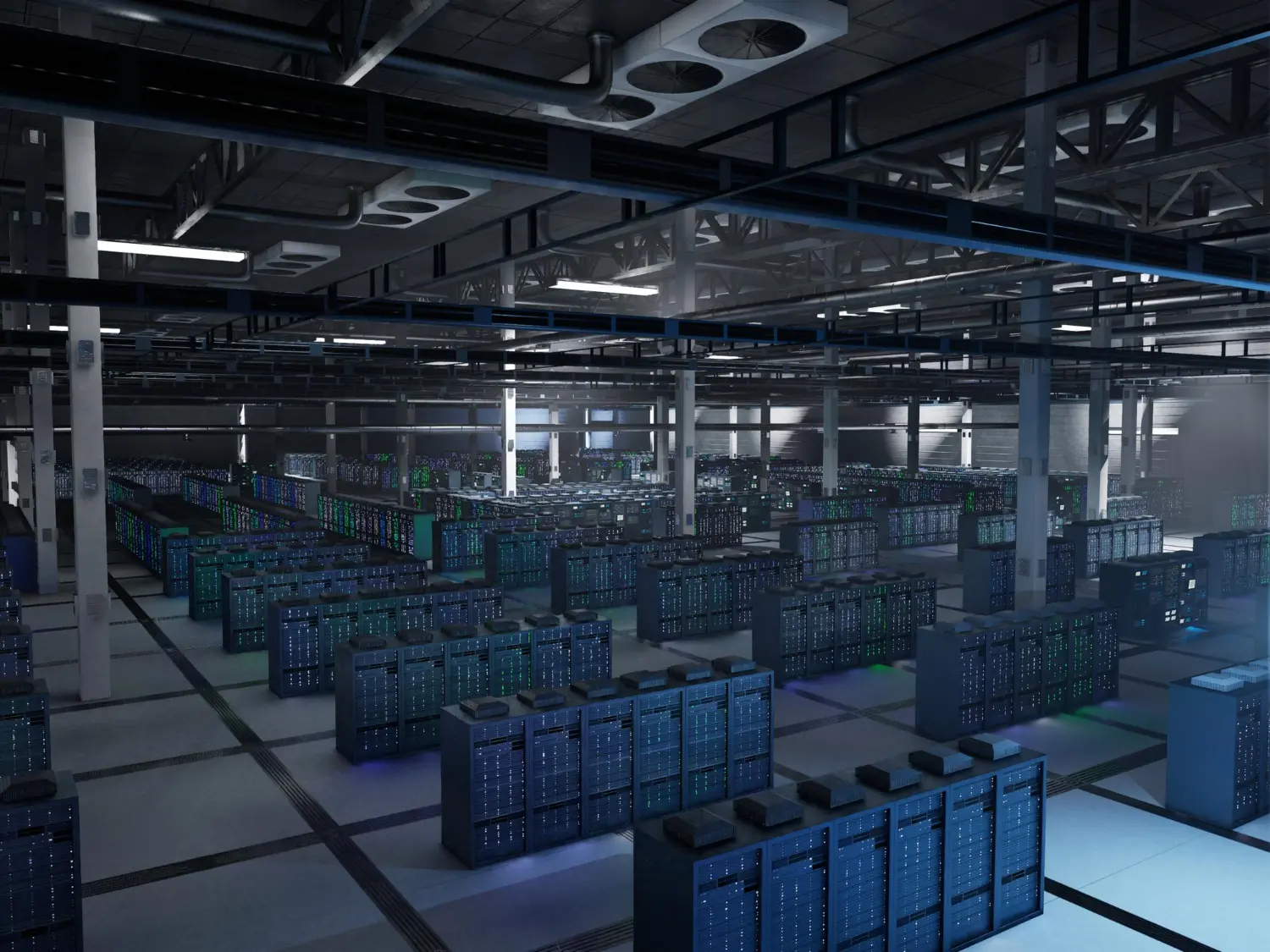
An industrial facility may have several systems operating across different departments and locations.
Depending on the business, its network may support:
When these systems are connected without proper planning, cable routing can become difficult to manage, equipment may be poorly positioned, and future network expansion can require additional work.
A structured approach helps establish clear cable routes, organised equipment locations and a network layout that can accommodate operational changes.
Before purchasing cables or racks, identify the areas that need network connectivity.
For a typical industrial unit, these may include the administrative office, production floor, warehouse, security cabin, dispatch area and server or network room.
Prepare a basic layout showing:
This layout helps determine the approximate cable requirements and the number and location of network racks.
It also helps identify where different cable types may be needed. For example, protected indoor routes may use indoor CAT6 cable, while exposed outdoor routes may require cable specifically designed for outdoor conditions.
For a more detailed planning approach, see how to plan network cabling for a factory in Gujarat.
CAT6 cable is commonly used for Ethernet connectivity in offices, commercial buildings and industrial network installations. However, the appropriate cable depends on the route, environmental conditions and requirements of the connected equipment.
For GIDC units, cable selection should account for both network performance and installation conditions.
Indoor CAT6 UTP cable can be suitable for protected routes within offices, network rooms and other indoor areas.
Elixir Network's CAT6 Indoor UTP Network Cable features 24 AWG solid copper conductors and four twisted pairs. It is intended for indoor networking applications, including compatible Gigabit Ethernet and Power over Ethernet installations.
Consider indoor CAT6 cable for routes such as:
The final selection should match the cable specifications and the requirements of the connected equipment.
Some industrial facilities require network connectivity beyond the main building.
This may include external CCTV cameras, security gates, warehouses, remote equipment locations or connections routed along building exteriors.
For these applications, the cable needs to be appropriate for the outdoor environment.
Elixir's CAT6 Outdoor Double Layer UTP Network Cable features a double-layer construction and UV-stabilised outer jacket for outdoor and indoor/outdoor applications.
Before installation, assess sunlight exposure, moisture, the cable route and any additional protection required.
Certain industrial routes may require additional physical protection because of their installation conditions.
In these cases, armoured CAT6 cable may be worth evaluating alongside suitable conduit or other protective systems.
Elixir includes CAT6 Armoured Cable in its networking cable range.
The appropriate option depends on the physical risks along the route and the requirements of the project.
Not every connection within a large industrial campus needs to use copper Ethernet cable.
For longer distances or connections between buildings, fibre optic cabling may be worth considering, depending on the distance, network architecture and equipment requirements.
The choice between copper and fibre should be made during network planning rather than after cable installation has begun.
Network racks provide a structured location for switches, patch panels and other networking equipment.
For industrial units, rack selection depends on the amount of equipment, the available space and where the network needs to be distributed.
Two common options are wall-mounted and floor-standing racks.
Wall-mounted racks can be suitable for smaller installations where floor space is limited.
They may be appropriate for:
Elixir's Wall Mount Network Racks are available in 4U, 6U, 9U, 12U and 15U configurations.
Before choosing a wall-mounted rack, check the equipment dimensions, total loaded weight, wall suitability and accessibility for maintenance.
Larger manufacturing units may require more space for network equipment.
A floor-standing rack can be appropriate for a central network room containing multiple switches, patch panels, servers, UPS systems and other rack-mounted equipment.
Elixir's Floor Mount Racks are available in configurations ranging from 17U to 42U.
When selecting a rack, consider equipment height and depth, cable-entry requirements, ventilation and expected future expansion.
For help deciding between the two options, read Wall Mount vs Floor Standing Network Racks: Which Is Right for Your Installation?.
A large industrial unit may not be best served by placing every network device in one location.
Depending on the building layout, it may be practical to use a central network room with additional distribution points closer to specific operational areas.
For example, a facility could have:
This arrangement can help organise connections across the facility, provided the network design accounts for cable-length limits, equipment requirements and the overall topology.
The location of each rack should also allow access for servicing and provide suitable conditions for the equipment installed inside it.
Where networking equipment needs to be installed outdoors, consider an enclosure designed for the relevant environmental conditions. Elixir's Outdoor Network Racks include IP55 and IP65 configurations for outdoor networking, surveillance, telecom and industrial infrastructure applications.
Cable management is an important part of a structured network installation.
Industrial facilities can contain large numbers of Ethernet cables serving offices, CCTV cameras, access points, production areas and warehouse systems.
Without proper routing and identification, these cables can become difficult to trace and maintain.
A planned cable-management system can help with:
Cable managers help organise patch cords and other connections around switches and patch panels.
Elixir's networking accessories include 1U cable managers, cantilever trays, fans and PDUs.
The accessories required will depend on the rack configuration, number of connections and equipment layout.
Cable management should begin before the cables are installed.
Determine where cables will enter and leave each rack, how they will travel through the building and how individual connections will be identified.
Where possible, document cable routes and connection points so technicians can locate and troubleshoot individual connections later.
For facilities with multiple departments or buildings, consistent labelling can make ongoing maintenance considerably easier.
Industrial networks often support more than computers and servers.
CCTV cameras, wireless access points, security devices and other compatible equipment may share the network infrastructure.
These devices should be included in the original network plan.
Determine camera locations, cable routes, the location of recording equipment and the number of network connections required.
Outdoor cameras may require outdoor-suitable cable and appropriately protected connections or enclosures.
Identify the locations where wireless coverage is required and plan the necessary Ethernet connections.
Where PoE is used, confirm that the cable, switch, power budget and connected device are compatible with the intended requirements.
Factories and warehouses may need network connections across multiple operational areas.
The cable route should account for the physical environment, access for maintenance and the requirements of any connected industrial equipment.
Not every industrial device should automatically be connected using ordinary office-network assumptions. Specialised equipment may have its own networking and environmental requirements.
A network rack may house several powered devices, including switches, routers, servers and other network equipment.
Power distribution should therefore be planned alongside rack capacity and equipment placement.
Before installation, determine:
Elixir's networking accessories include PDU options, fans and other rack accessories.
The selected equipment should meet the electrical and cooling requirements of the installation. Larger network rooms may require additional cooling arrangements based on their equipment load.
Some GIDC installations require networking equipment outside the main building.
Examples include security gates, external CCTV points, remote warehouses and other outdoor network locations.
In these cases, both the cable and the equipment enclosure must be appropriate for the installation conditions.
When choosing an outdoor rack or enclosure, consider:
Elixir's Outdoor Racks offer IP55 and IP65 configurations for relevant outdoor infrastructure applications.
The required protection level should be selected according to the site's conditions and the equipment manufacturer's requirements.
Industrial units often change as production capacity, staffing and operational requirements grow.
A network that meets today's requirements may need additional connections later.
When planning infrastructure, consider potential additions such as:
This does not mean every installation needs the largest available rack or excessive cabling.
Instead, plan for realistic expansion by providing suitable rack capacity, documenting cable routes and ensuring the layout can accommodate likely changes.
Indoor, outdoor and physically demanding routes can have different requirements. Choose cables according to the actual installation conditions.
Consider equipment dimensions, rack units, depth, cable routing and future additions before making a purchase.
Unorganised cabling can make troubleshooting and maintenance more difficult.
Outdoor cables, connectors and enclosures must be suitable for their respective environmental exposures.
Rack selection should account for equipment power requirements, heat generation and maintenance access.
Maintain a record of cable routes, labels, rack locations and network connections to support future servicing and expansion.
The requirements depend on the facility. A typical installation may include CAT6 cables, network switches, patch panels, suitable network racks, cable-management accessories and power distribution. CCTV, wireless access points and outdoor enclosures may also be required.
Indoor CAT6 UTP cable may be appropriate for protected internal routes. Outdoor CAT6 cable should be considered for routes exposed to outdoor conditions, while armoured cable may be relevant where additional physical protection is needed. Confirm the product specifications before installation.
Wall-mounted racks can suit smaller network points, while floor-standing racks may be more appropriate for central network rooms and larger equipment installations. The decision should be based on equipment capacity, available space and future requirements.
It helps organise connections, identify cables, simplify maintenance and accommodate future network changes. Cable managers, trays and consistent labelling can support a more maintainable installation.
Only where networking equipment must be installed outdoors or in an exposed environment. In those cases, select an enclosure with suitable environmental protection for the actual site conditions.
Compatible CAT6 cable can support Power over Ethernet applications when the cable specifications, switch, power budget and connected equipment meet the requirements of the intended PoE standard.
Fibre may be appropriate for longer-distance connections or particular network architectures. The decision depends on distance, bandwidth requirements, electrical considerations and equipment compatibility.
Reliable network infrastructure for a GIDC unit starts with understanding how the facility operates and what its network needs to support.
CAT6 cables provide connectivity for suitable Ethernet applications, network racks organise equipment, and cable-management accessories help keep installations structured and maintainable. Power distribution, ventilation and environmental protection must also be considered as part of the overall design.
Elixir Network offers CAT6 networking cables, Wall Mount Racks, Floor Mount Racks, Outdoor Racks and networking accessories for different networking infrastructure requirements.
For manufacturers, system integrators and businesses setting up or upgrading facilities across Gujarat, planning these components together can make it easier to build a network that is organised, suitable for its operating environment and ready for future expansion.

As a member of Debut House, you’ll get access to a large variety of resources and networking opportunities.
Suspendisse varius enim in eros elemen tum tristique. Duis cursus, mi quis vive rra ornare, eros dolor interdum nulla.
Debut House members have access to engage with their industry's top pros and sharpen their creative skills.
Debut House members have access to engage with their industry's top pros and sharpen their creative skills.
Debut House members have access to engage with their industry's top pros and sharpen their creative skills.

"I had ordered several DVR Racks from Elixir Network. They offer top-quality racks in the industry. I highly recommend it to everyone. I would recommend using Elixir racks."

"Elixir Network offers a dependable range of racks and networking infrastructure products. The products are well-finished and suited to professional installations, making them a reliable choice for our requirements."
“We have been impressed with the overall quality of Elixir Network’s products. The racks are sturdy, well-finished and practical for professional installations, while the support team has been responsive throughout.”
“Working with Elixir Network has been a smooth experience from product selection to delivery. Their racks are well-built, professionally finished and suited perfectly to our infrastructure requirements.”
“Elixir Network has a good range of networking racks and enclosures for different applications. The product quality and finishing have been consistently reliable, making them a dependable choice for our projects.”
Elixir Network is an ISO 9001:2015-certified manufacturer of racks, enclosures, networking cables and infrastructure solutions, backed by 30+ years of manufacturing excellence. With in-house fabrication, coating and quality control, we deliver reliable and customised solutions for IT, networking, surveillance and telecom applications.
ISO CERTIFIED